Security & app lock
MonVa is built to keep your financial data private. Everything lives on your device by default, and you can lock the app behind a PIN and biometrics.
Where your data lives
All your data — transactions, categories, accounts, budgets, tags and recurring rules — is stored locally on your device in an encrypted-at-rest SQLite database. It only goes to the cloud when you sign in for cloud sync; stay signed out and nothing ever leaves the device. No ads, no data selling.
App lock (PIN + biometrics)
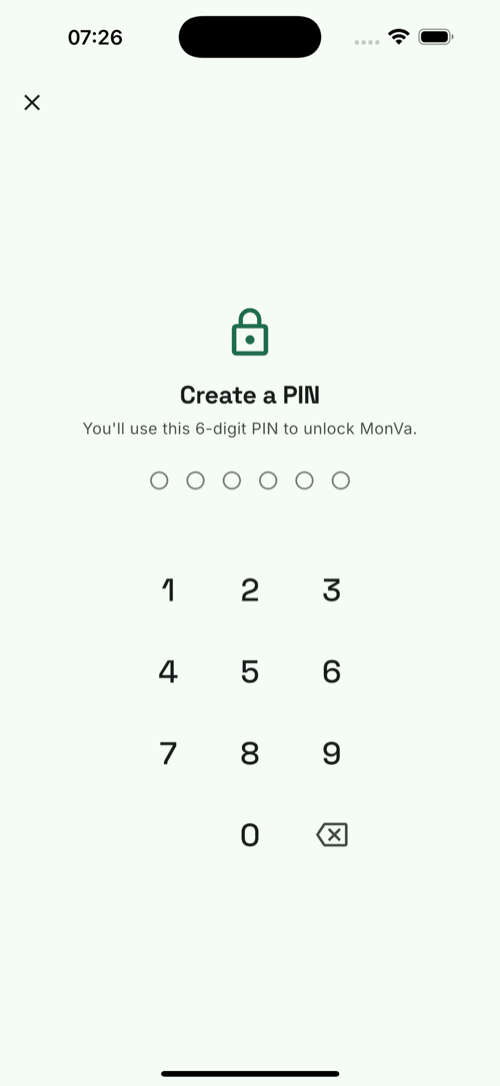
Turn it on in Settings → App Lock:
- 6-digit PIN — required to open the app. The PIN is never stored as plain text: only a salted hash is kept in the device keychain.
- Face ID / Touch ID — unlock with biometrics, with your PIN as the fallback.
- Auto-lock — the app re-locks after it’s been in the background for a grace period (default 30 seconds; configurable, or lock immediately every time).
- Private preview — the app hides its contents in the iOS app switcher so balances aren’t visible when you swap apps.
App lock is off by default — it’s your choice to enable it.
Cloud sync & your account
Signing in (magic link — no password) enables cloud sync and unlocks AI features. You can delete your account and all cloud data at any time from Settings (GDPR erasure), and export everything to CSV whenever you like.