Currency conversion
MonVa is multi-currency to its core. Accounts hold different currencies, you can spend in any currency, and totals still add up in one place — without your history ever “drifting” as rates change.
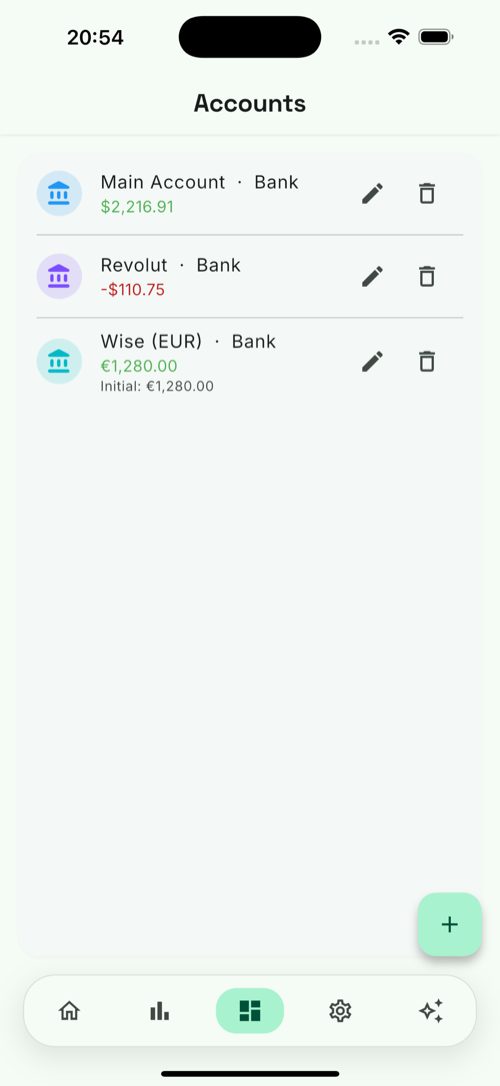
Two currencies to know
- Account currency — the currency of the account a transaction belongs to (see Accounts).
- Reporting currency — the single currency MonVa uses for overall totals, balances and statistics. Set it in Settings.
Spending in a foreign currency
Say you have a USD account but buy a coffee in EUR. MonVa stores the real € amount and shows it converted to the account’s currency:
Coffee · ≈ -$4.83 · -€4.20
The native amount is always kept; the ≈ marks a converted value.
The rate is snapshotted at entry
Here’s the important part: MonVa records the exchange rate at the moment you add the transaction and stores it with that transaction. Later rate changes never rewrite your past — a coffee you logged in June keeps June’s rate forever. Totals and charts stay exact and reproducible.
Where rates come from
Exchange rates are refreshed daily on our server and cached on your device, so conversion works offline too. MonVa never calls a paid rate API from your phone. You can browse the current rates on the Rates screen.
These are daily reference rates, not the rate your card issuer applies. If a converted amount doesn’t match your bank statement, that gap is expected and explained in When your bank charges more.
A → B and B → A stay consistent and cents never leak.