Budgets
Budgets
Budgets help you set a spending limit and watch your progress toward it in real time, so you know where you stand before the month ends.
How they work
- Per category. Set a limit for a category (e.g. Groceries €500) for a period — this month, this week, and so on.
- Live progress. As you log spending, the budget’s progress bar fills. You always see spent vs limit (e.g. €82.28 / €500.00).
- Multi-currency aware. Spending is converted into the budget’s currency using the entry-time rate, so foreign purchases still count correctly.
- Gentle, not naggy. Budgets are here to inform, and staying under one earns a little celebration from Vaulty — never guilt for going over.
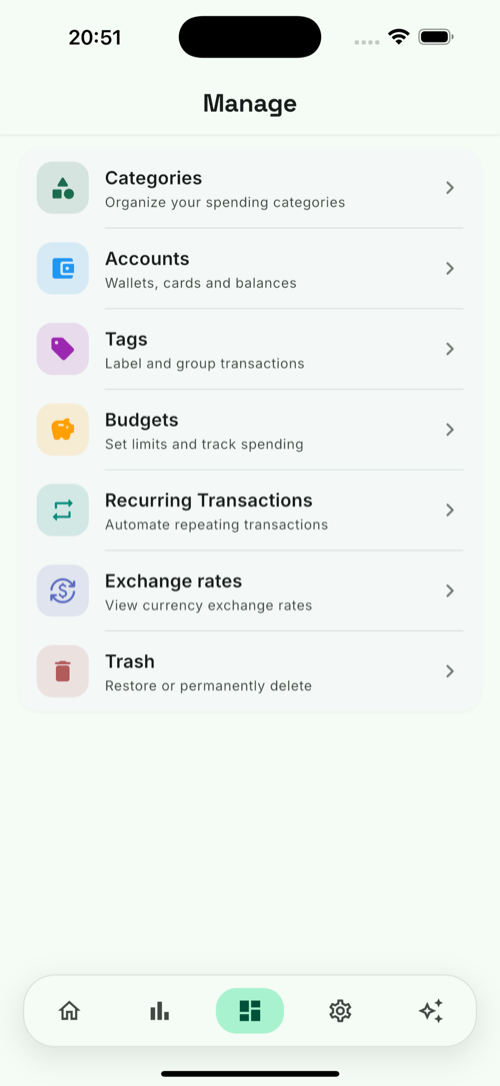
Add, edit or remove budgets on the Budgets screen (from the manage hub).